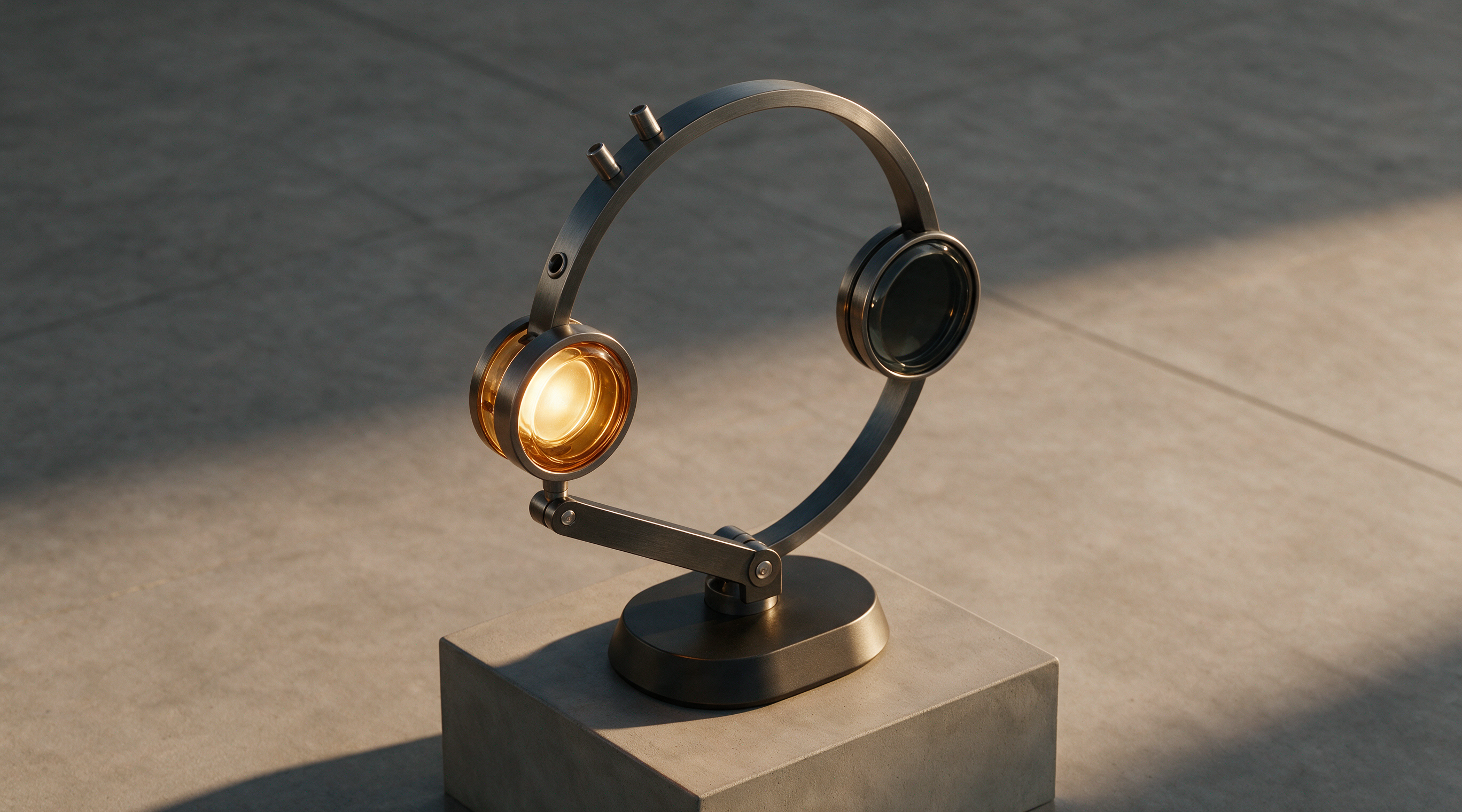
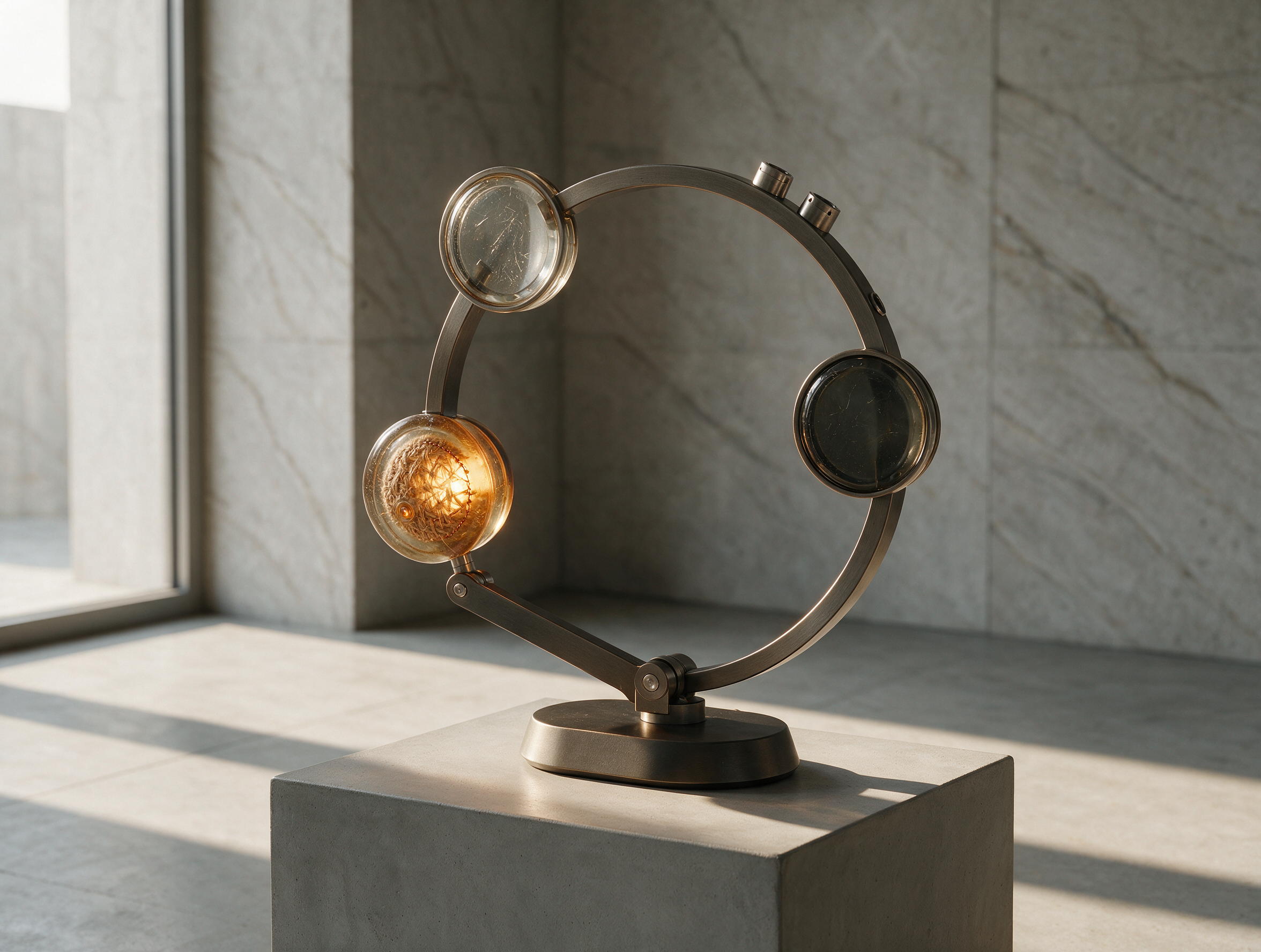
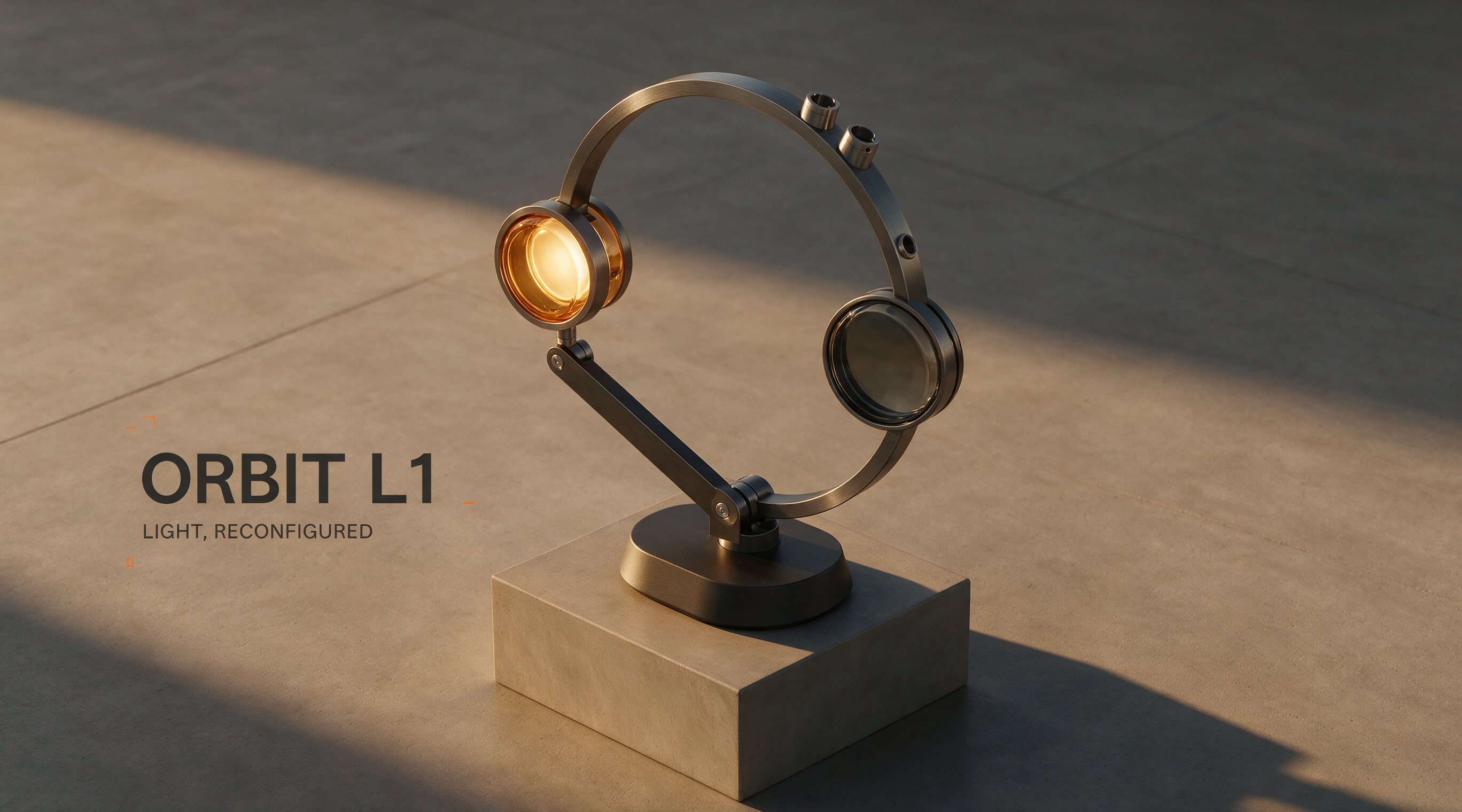
Create a landscape product campaign image for a fictional modular desk lamp with an ivory base and a charcoal stem. Warm side light, soft shadow, pale stone desk, precise material texture, and generous copy space. Exact visible words only: ORBIT L1, LIGHT THAT MOVES. No additional copy or logos.
示例素材来自 Zanta。新生成结果可能不同,请检查自己的作品。
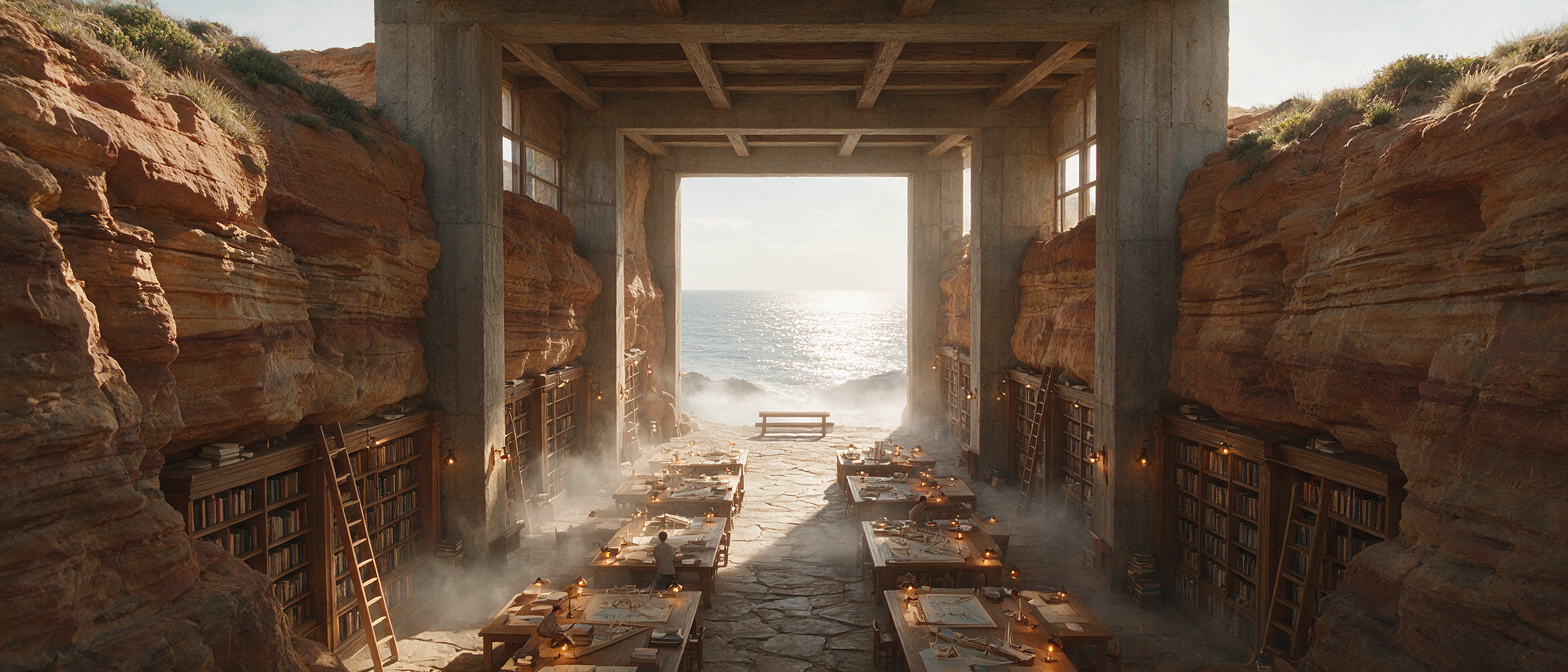
海岸研究图书馆
Create a wide cinematic architectural image of a research library carved into terracotta coastal cliffs. Layered reading terraces, narrow windows, pale concrete paths, calm blue water, and warm late-afternoon light. Keep the scale believable and the composition clear. No text or watermark.
示例素材来自 Zanta。新生成结果可能不同,请检查自己的作品。
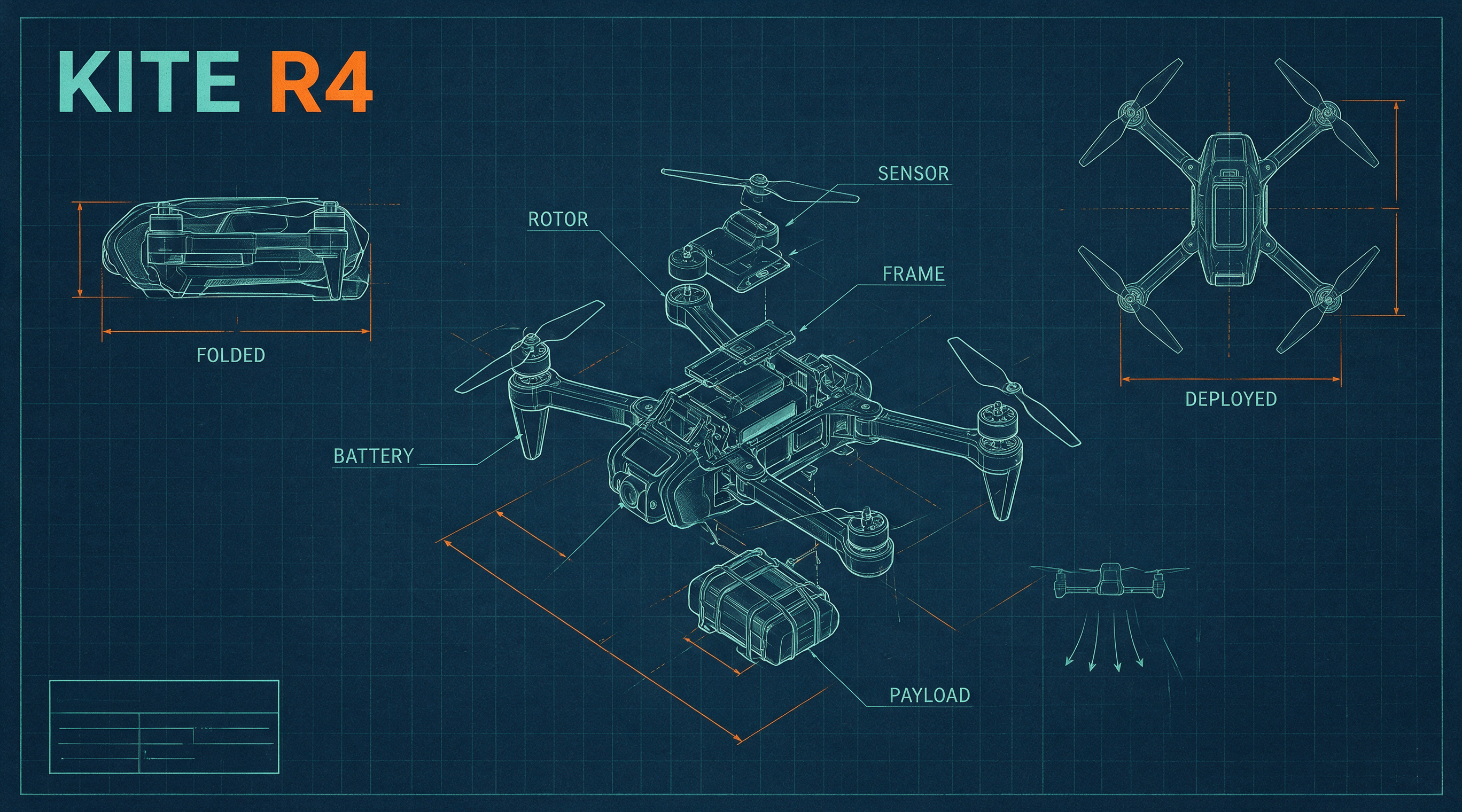
折叠无人机蓝图
Create a three-view technical concept board for a fictional foldable rescue drone. Show one exploded view, one folded view, and one deployed view with the same body proportions. Exact labels only: KITE R4, FOLDED, DEPLOYED. Use clear blue-gray lines on ivory paper; treat it as a design concept, not a verified engineering drawing.
示例素材来自 Zanta。新生成结果可能不同,请检查自己的作品。
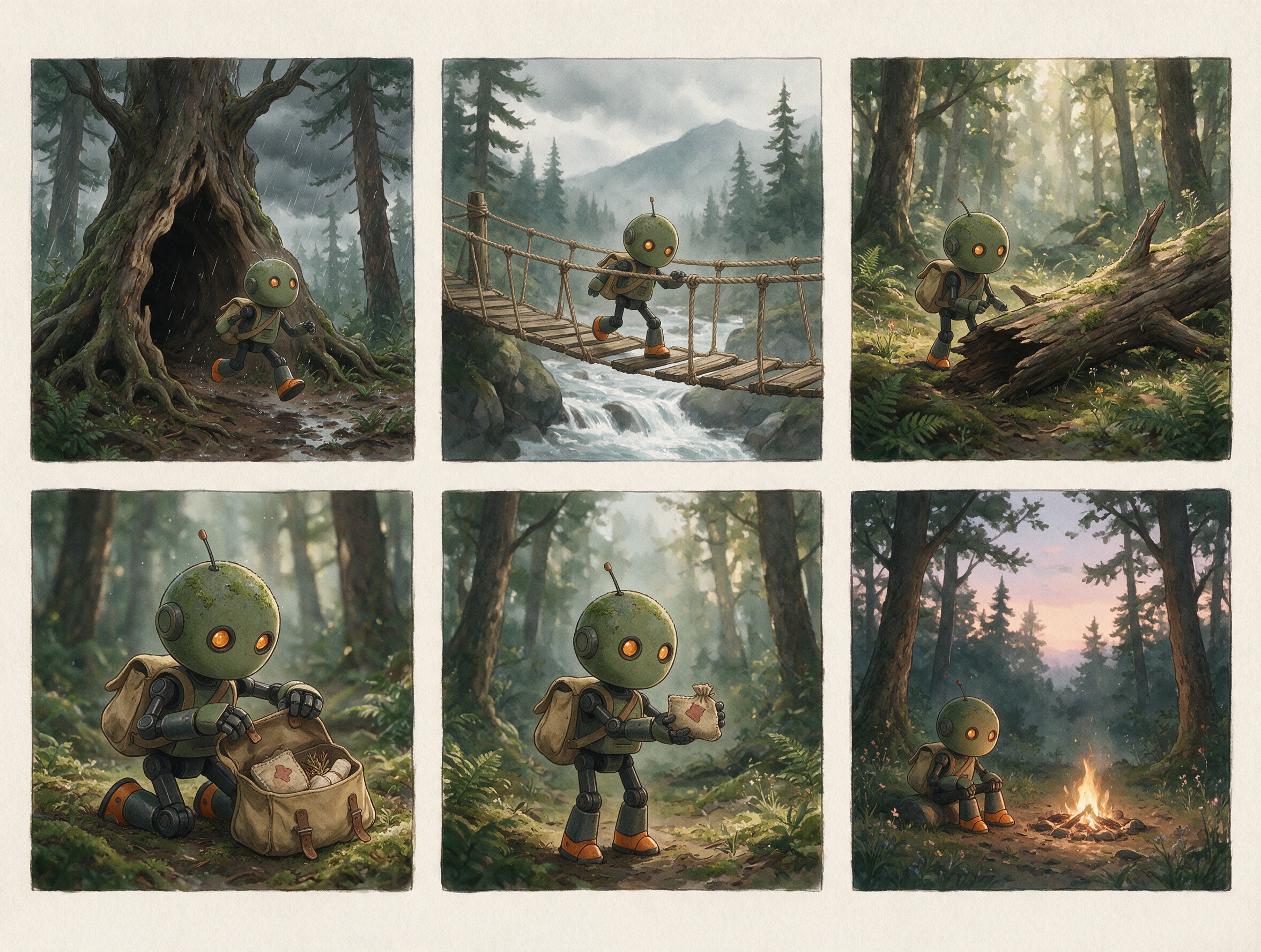
救援机器人分镜
Create a six-panel wordless storyboard of one compact rescue robot with a cream body, orange trim, and two round lamps. Show it locating a path, crossing a bridge, reaching a person, opening a light, guiding the person, and returning. Keep its geometry, colors, and the environment consistent across the sequence.
示例素材来自 Zanta。新生成结果可能不同,请检查自己的作品。
Seedream 5 提示词灵感
撰写一份便于检查、对比和迭代的制作简报。
01 · 成品
先明确资产类型
从你真正需要的海报、产品静物、角色设定图、示意图或活动图开始。
02 · 构图
描述层级与布局
说明主体、文案空间、辅助元素和视觉焦点各自在画面中的位置。
03 · 材质
使用具体的视觉依据
写明表面质感、光线方向、镜头感、纹理、环境和预期的成片效果。
04 · 文字
可见文字保持简短
逐字引用必需的文字,并检查拼写、大小写、标点和杜撰的文案。
05 · 检查
写明否决条件
生成前注明要排除的内容:伪造标志、多余主体、偏离原图、人体结构错误或不安全的裁切。
Seedream 5 为下一个项目寻找灵感
按任务选择模型,并在发布前检查可见的失败模式。
可直接投放的营销图
适用场景
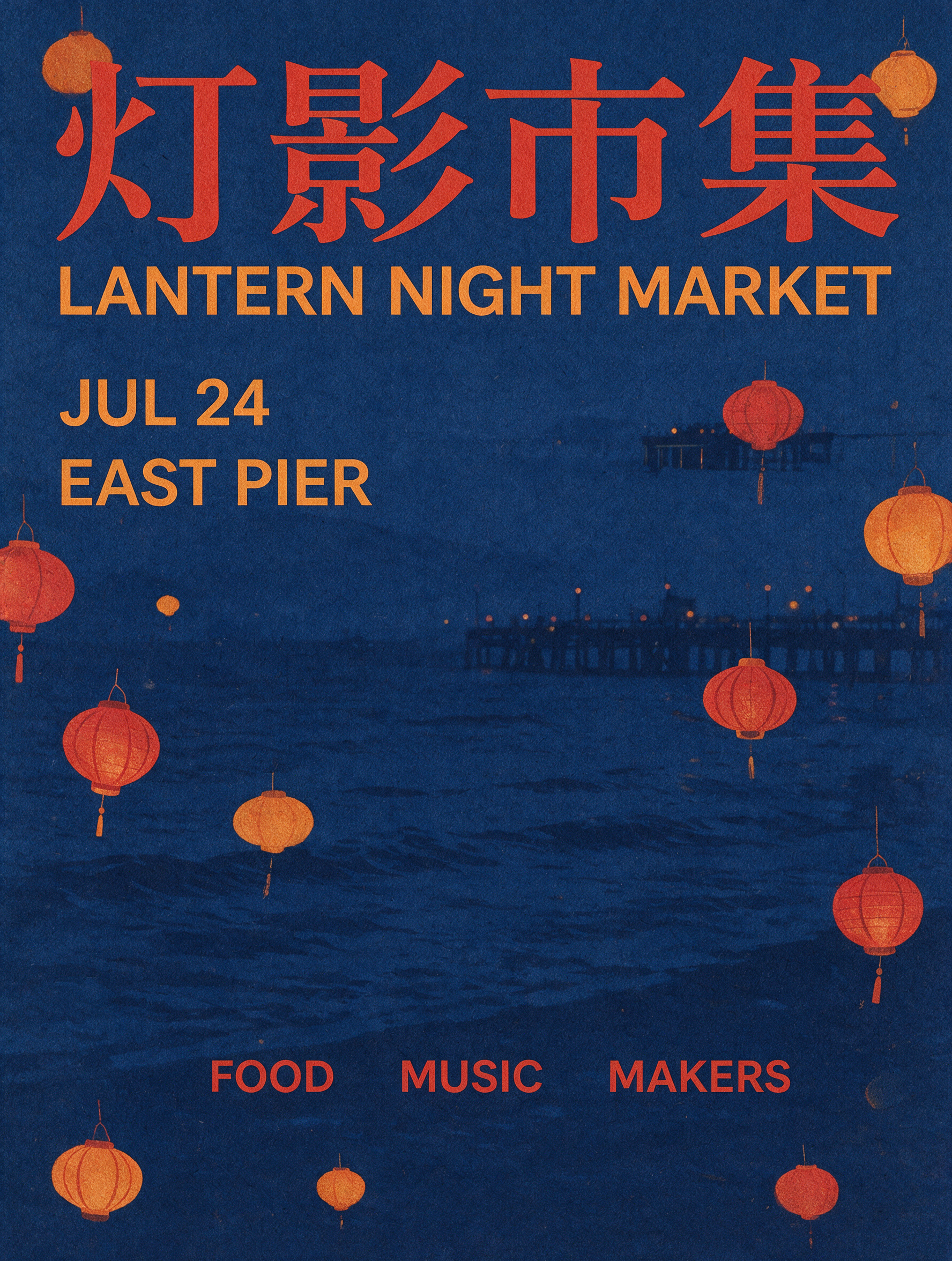
产品主图、海报、社交图片、缩略图和落地页视觉,均带有可逐项检查的美术方向。
注意事项
检查文字、标志、产品几何、裁切安全性,以及结果是否真正适配投放渠道。
参考图引导的编辑
适用场景
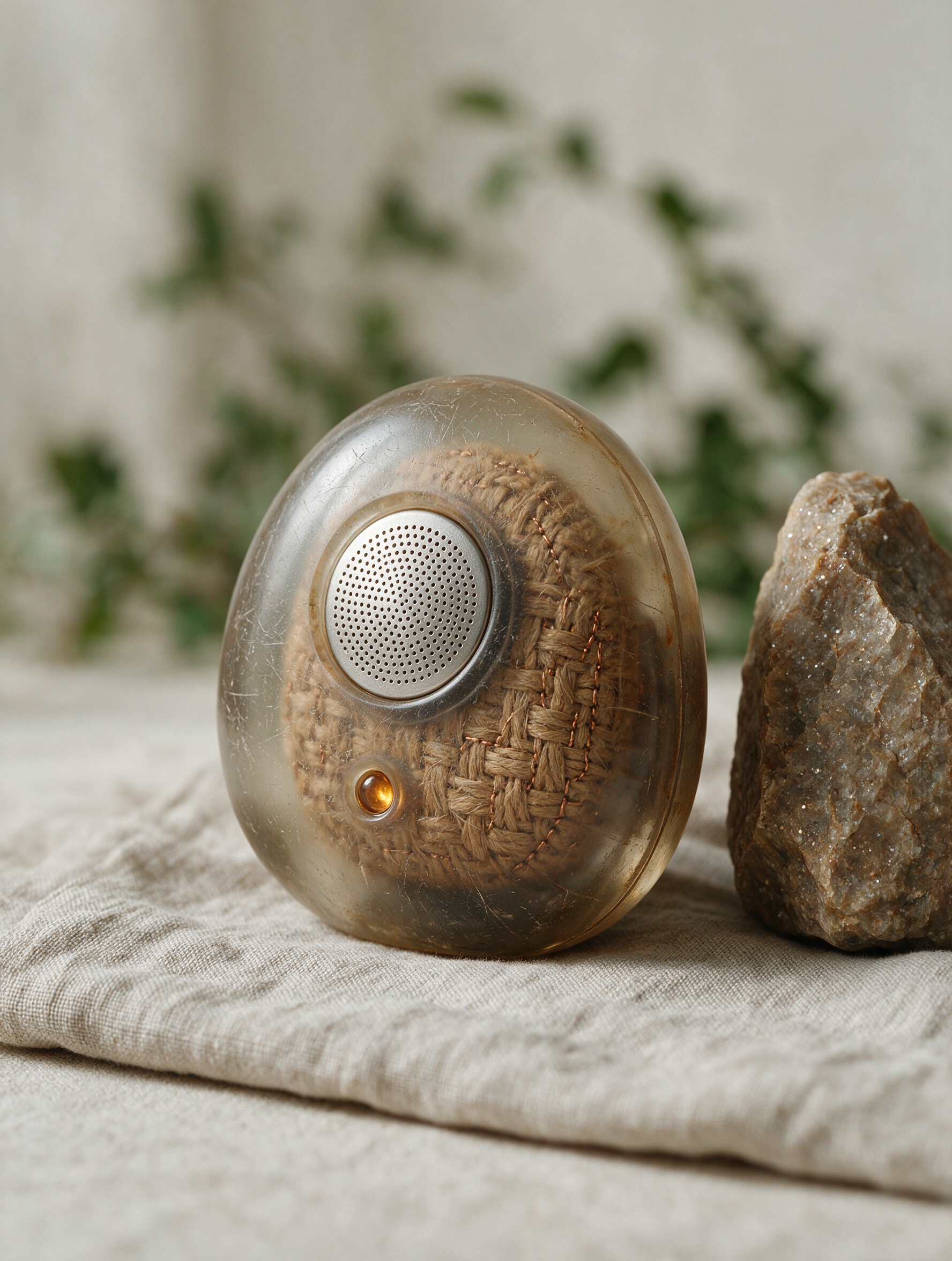
把产品造型、角色身份、服装、房间布局或材质线索延续到新的画面中。
注意事项
参考图只是引导生成,并不保证逐像素保留原图的每一个细节。
概念探索
适用场景
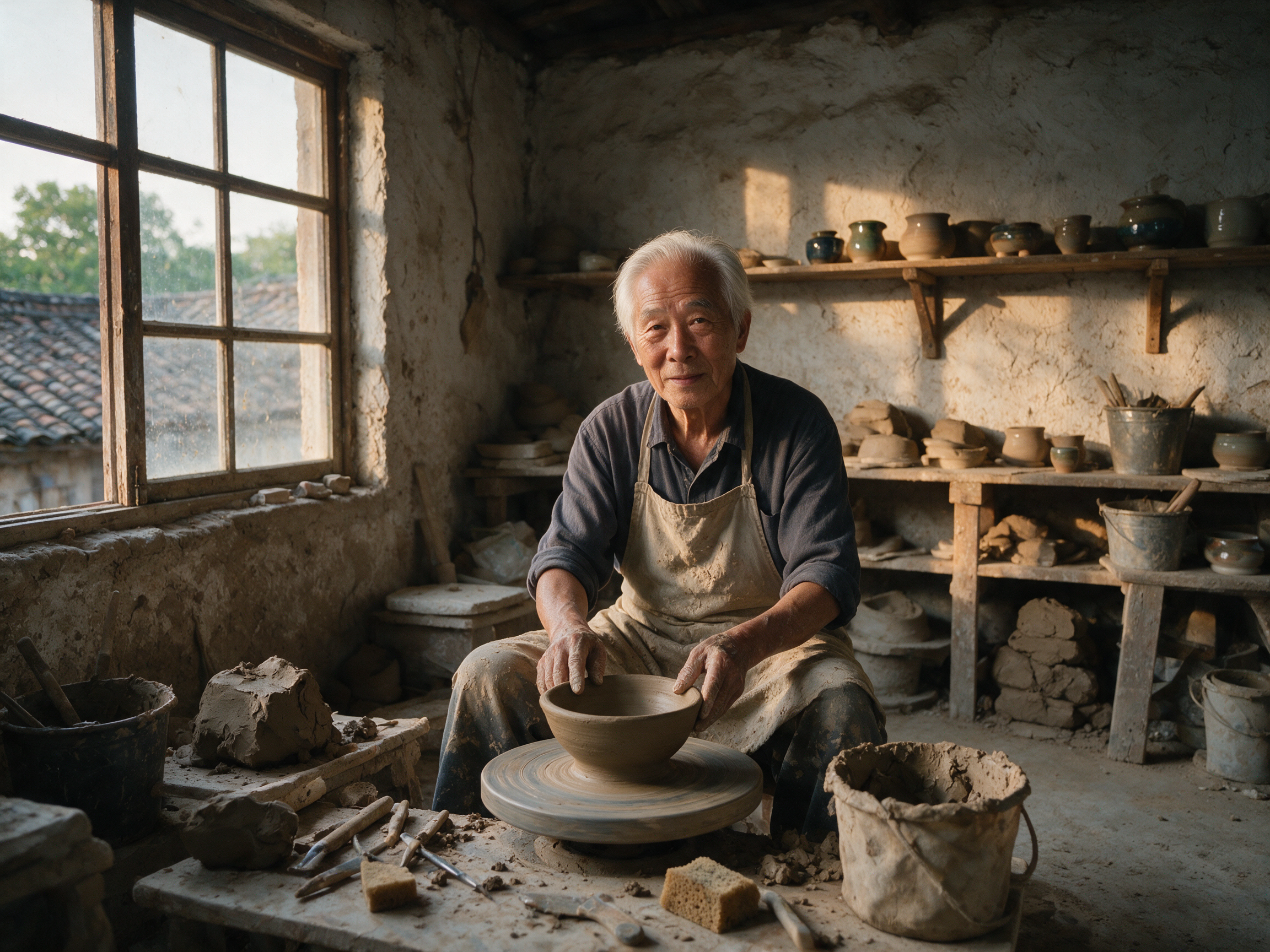
在投入精修成片或正式拍摄之前,先对比多个可控的视觉方向。
注意事项
保持提示词和设置可比,这批结果才能支持有效决策,而不是产出互不相关的图片。
解说图与版式
适用场景
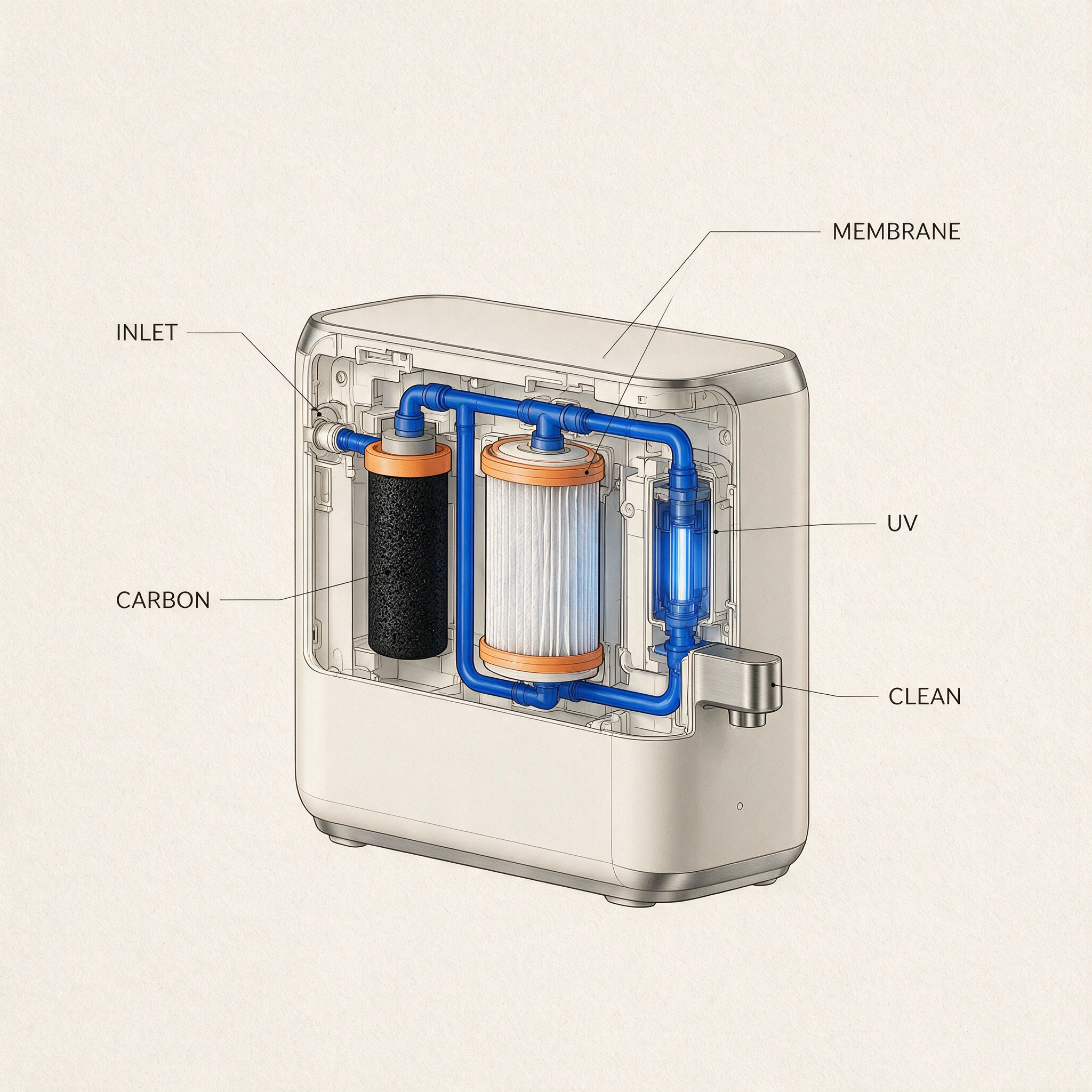
制作带标注的场景、简易示意图、概念展板、包装方案和多格版式。
注意事项
看似可信的标注和结构,发布前仍需人工核对准确性。
Seedream 5 对比其他模型 图片 模型
在打开其他工作区之前,先对比 EveryGen AI 中可用的控制项。每个模型都保留各自的身份、设置和积分预估。